The 12 Best Website Builders for Small Business

Disclosure: This post may contain affiliate links, meaning if you decide to make a purchase through my links I may earn a commission at no additional cost to you. See my disclosure for more info.
Build A Smarter Online Business
Want to turn your content into traffic, income, and long-term freedom? Start with the guides built to help you grow smarter.
Explore Online Business Guides →Finding the best website builders for small business is a critical first step. It helps you establish a professional online presence. Your website serves as your digital storefront. It is also your portfolio and primary marketing channel.
The right platform can empower you to create a functional site. You can build a visually appealing site without writing code. Conversely, the wrong choice can lead to wasted time. It can also cause budget overruns and a site that fails your goals.
This comprehensive guide is designed to eliminate that guesswork. We will move beyond generic feature lists. We will provide an in-depth analysis of the top platforms today. We’ll explore each builder’s specific strengths and weaknesses. This helps you align their capabilities with your unique business needs. This resource will provide the clarity needed to make an informed decision. It is for freelancers, e-commerce stores, or solopreneurs.
Each review includes detailed pros and cons. It also has pricing breakdowns and screenshots. This gives you a clear view of the user experience. We dive into crucial aspects like ease of use and template design. We also cover e-commerce functionality and SEO potential.
Back to How to Make an Online Business
1. Wix
Wix is one of the best website builders for small business owners. It is for those who need an all-in-one solution, prioritizes speed and ease of use. Also, It stands out with a true drag-and-drop editor. This offers pixel-perfect control without requiring any code.
This flexibility is ideal for visually driven brands. Think photography portfolios, restaurants, or design agencies. They need complete creative freedom over their layout. Wix offers two paths to get started. Its Artificial Design Intelligence (ADI) can generate a site for you in minutes. Or you can choose from over 900 professionally designed templates.
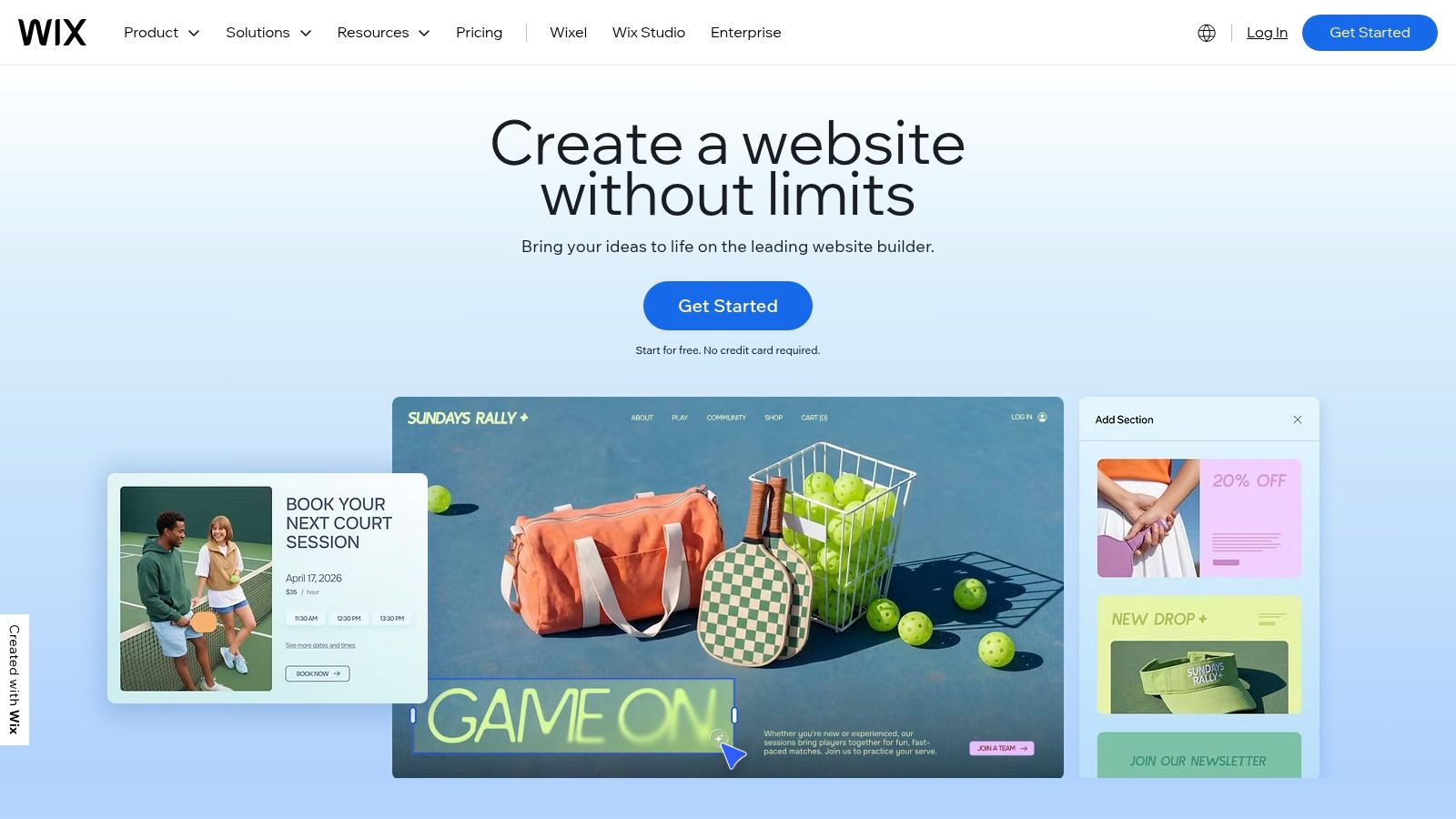
The platform’s strength lies in its expansive native feature set. Small businesses can manage everything from a single dashboard. This includes ecommerce sales and online appointment bookings. It also covers event ticket sales and even paid memberships.
This integrated approach simplifies operations. This is a key benefit when you’re just starting. The Wix App Market provides hundreds of third-party integrations. These range from advanced analytics to specialized marketing tools. This ecosystem allows your website to scale as your business grows. Getting your business online quickly is a crucial first step. Platforms like Wix streamline the process significantly.
Ready To Build More Traffic And Income?
Use Internet of Business to learn blogging, SEO, affiliate marketing, passive income, and digital business systems that compound over time.
Start Building Your Digital Income →Wix: Key Considerations
- Best For: Service-based businesses, creatives, and entrepreneurs who want an all-in-one platform with extensive design control.
- Pricing: Plans range from a free, ad-supported version to premium plans starting around $17/month. Business and ecommerce plans with payment processing start at approximately $27/month.
- Pros: Highly intuitive drag-and-drop editor, massive template library, and a robust suite of built-in business tools (Wix Stores, Bookings).
- Cons: Once you choose a template, you cannot switch to a different one. Renewal prices can be significantly higher than the initial promotional rate.
Website: https://www.wix.com
2. Squarespace
Squarespace is a top contender among the best website builders for small business. It is for those prioritizing sophisticated design and branding. It is renowned for its award-winning templates. They offer a clean, modern aesthetic.
This makes it an excellent choice for consultants, artists, and service businesses. They need a visually stunning online presence. The platform’s Fluid Engine editor provides a structured yet flexible system. It allows for polished and professional layouts. It avoids the overwhelming freedom of a true drag-and-drop system. This approach ensures design consistency and mobile responsiveness. This is crucial for a professional image.
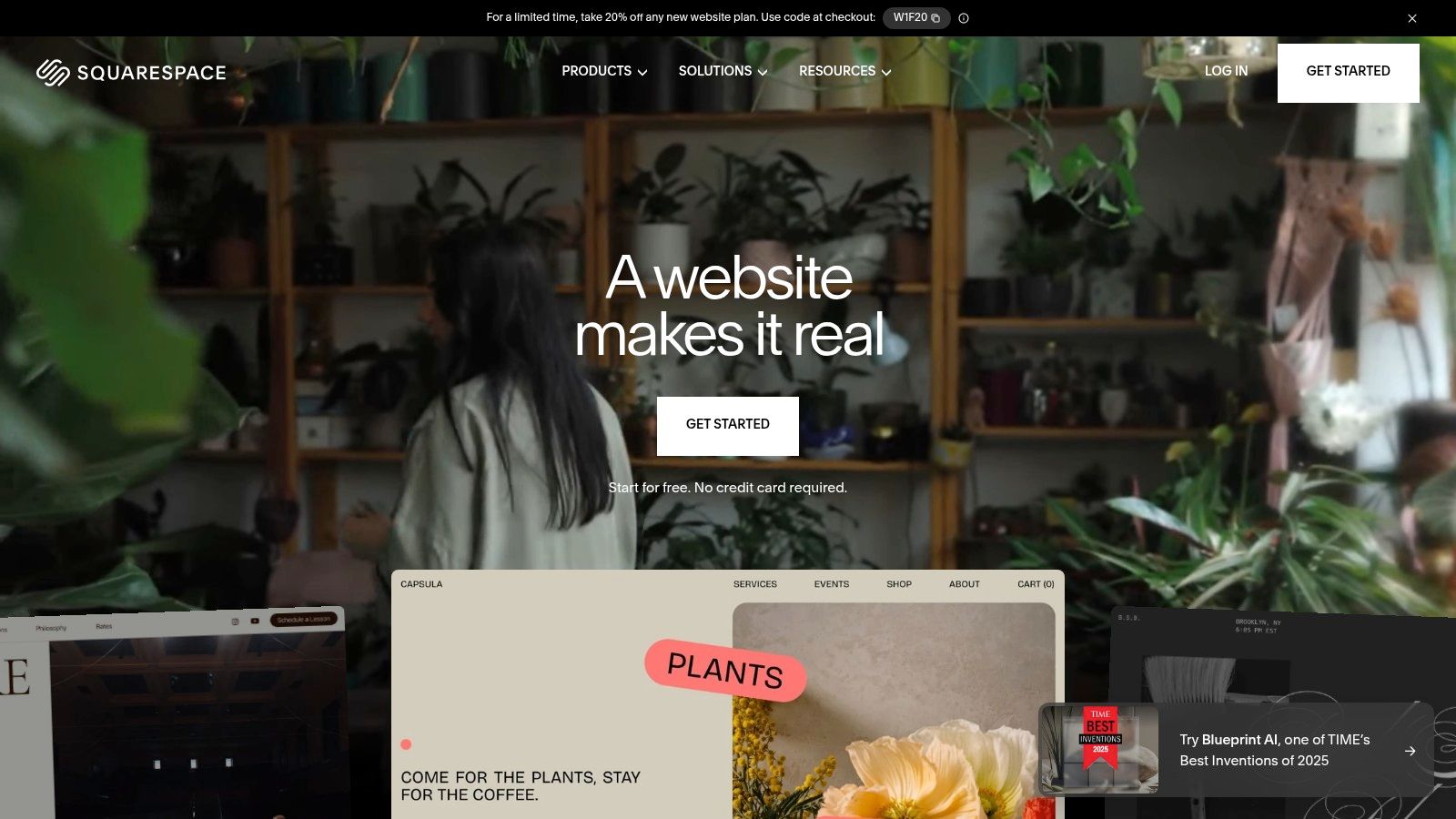
The platform shines as an all-in-one solution. It integrates key business tools directly into its core product. Small businesses can manage ecommerce and appointment scheduling. They can also handle memberships and email marketing from a single dashboard.
This built-in functionality reduces reliance on third-party apps. It simplifies website management and maintenance. Its commerce features are especially well-suited for service providers. With 24/7 customer support, Squarespace helps businesses build a powerful brand online. It focuses on beautiful typography and imagery.
Squarespace: Key Considerations
- Best For: Creatives, consultants, and local businesses that value premium design and an all-in-one feature set.
- Pricing: Plans start at around $16/month. Business and commerce plans with lower transaction fees begin at approximately $23/month.
- Pros: Best-in-class design templates and typography, strong integrated tools (commerce, scheduling, memberships), and excellent 24/7 human support.
- Cons: The editor is less flexible for complex layouts than competitors like Wix. Lower-tier plans include transaction fees for commerce sales.
Website: https://www.squarespace.com
3. Shopify
Shopify is one of the best website builders for small business owners focused on selling products. It’s an ecommerce-first platform. It is designed to manage inventory, process payments, and fulfill orders. It does this with unmatched efficiency.
While other builders add ecommerce as a feature, Shopify builds its ecosystem around it. The drag-and-drop Online Store 2.0 editor is straightforward. It makes creating a professional storefront easy, even for beginners. It allows for easy customization of product pages and collections.

The platform’s core strength is its powerful, centralized commerce dashboard. It seamlessly integrates online sales with in-person transactions. It uses its POS system and social media marketplaces. This omnichannel capability is crucial for retailers.
They want to create a unified brand experience. Robust built-in tools simplify the most complex parts of an online store. These tools handle shipping, tax calculation, and payment processing. Shopify’s app store offers thousands of integrations. These help customize operations, from marketing automation to advanced analytics.
Shopify: Key Considerations
- Best For: Product-based businesses, from side hustles to established retailers, that need powerful ecommerce tools and scalability.
- Pricing: Plans start with a free trial, followed by basic plans around $29/month. Advanced plans with lower transaction fees and more features are available.
- Pros: Best-in-class ecommerce operations and scalability, rich app ecosystem and sales channels, and frequent introductory promotions.
- Cons: App and add-on costs can accumulate quickly. Third-party payment gateway fees apply unless you use the native Shopify Payments.
4. Square Online (Square/Weebly)
Square Online is one of the best website builders for small business owners. It is for brick-and-mortar businesses venturing online. It offers seamless omnichannel integration. Its greatest strength is its native connection to the Square POS ecosystem.
This makes it an unparalleled choice for restaurants, cafes, and retail shops. These businesses need to sync online orders with in-person sales. They also need to manage inventory and customer data. The platform supports specific service flows. This includes online ordering for local pickup, delivery, and QR code ordering.
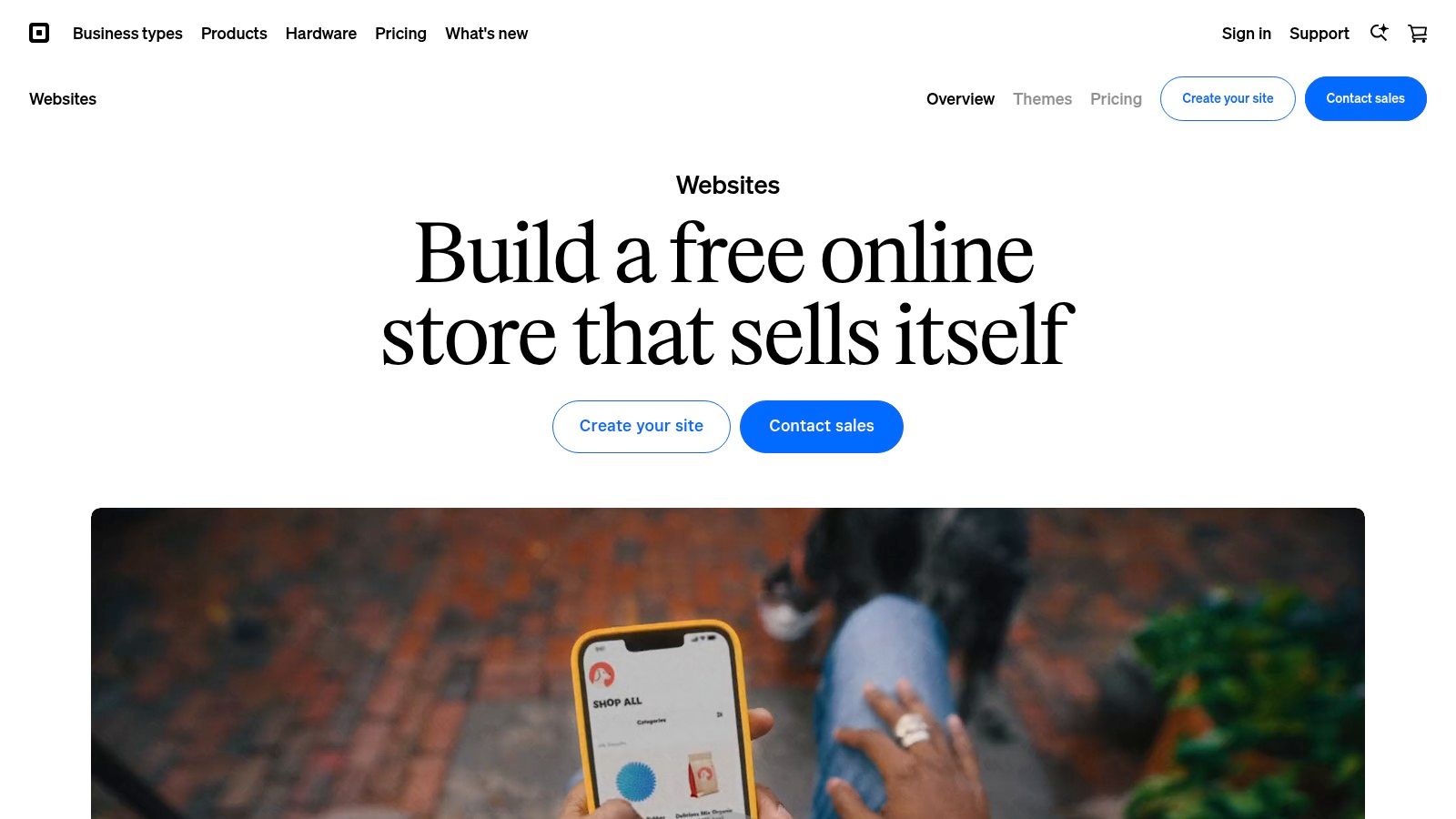
Square Online prioritizes transactional efficiency over extensive design customization. It was acquired and rebuilt from Weebly’s foundation. Its editor is more structured than a true drag-and-drop system. But it provides a fast, guided setup process. This gets sellers online quickly. Small businesses can launch a professional-looking site with a free plan.
They only pay transaction fees on sales. This low-risk entry point is a significant advantage. It is great for businesses testing ecommerce. The platform also includes integrated marketing tools. These include email campaigns and social media integrations. All are managed from the familiar Square Dashboard.
Square Online: Key Considerations
- Best For: Retail stores, restaurants, and service providers already using or planning to use the Square POS system for unified online and in-person sales.
- Pricing: A robust free plan is available (pays only processing fees). Paid plans start around $29/month to remove ads, use a custom domain, and access more features.
- Pros: Exceptionally low barrier to entry with a free plan, seamless integration with Square POS hardware and software, and built-in tools for local pickup and delivery.
- Cons: Design flexibility is more limited compared to competitors like Wix. Advanced ecommerce features often require upgrading to a higher-priced plan.
5. WordPress.com (hosted)
WordPress.com is one of the best website builders available. It is for small businesses that prioritize content and long-term flexibility. It offers a managed, hosted version of the famous WordPress software. This removes the need for users to handle server maintenance or security.
This platform is ideal for content-heavy sites like blogs or news outlets. It also works well for consultancies that rely on strong SEO. Its block editor provides a modern, modular approach to page building. It allows for rich layouts without touching code. It bridges the gap between simple builders and self-hosted WordPress.org.
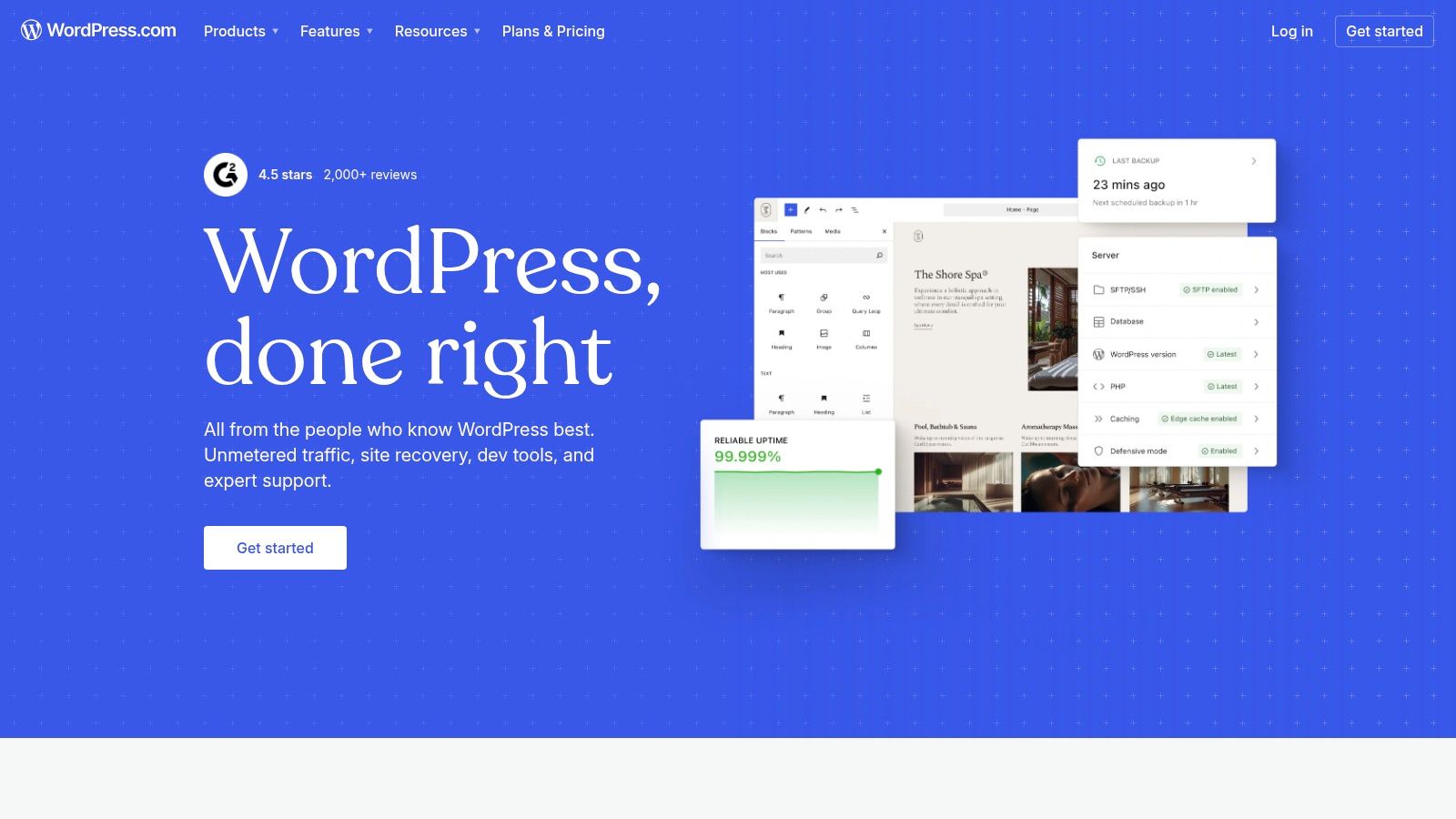
WordPress.com’s key advantage is its scalability and extensibility. This is especially true on higher-tier plans. Simpler plans are great for getting started. But the Business plan unlocks the ability to install plugins. This opens up nearly limitless customization.
You can add features for marketing, ecommerce, and specialized functions. This makes it a future-proof choice. You can add advanced features as your business grows without migrating platforms. Its powerful blogging engine is second to none. This is a critical asset for businesses focused on content marketing.
WordPress.com: Key Considerations
- Best For: Content-driven businesses, bloggers, consultants, and anyone wanting a powerful, scalable platform without the hassle of self-hosting.
- Pricing: Offers a free plan with ads. Paid plans start around $4/month (billed annually) for a custom domain, with Business plans required for plugins starting at approximately $25/month.
- Pros: Unmatched blogging and SEO capabilities, excellent long-term portability and data ownership, and access to thousands of plugins on higher plans.
- Cons: Has a steeper learning curve than pure drag-and-drop builders. The most critical features, like plugin installation, are locked behind more expensive plans.
Website: https://wordpress.com
6. GoDaddy Websites + Marketing
GoDaddy Websites + Marketing is a strong choice. It is among the best website builders for small business owners. These owners prioritize speed and integrated marketing. They value it over granular design control. The platform is designed for absolute beginners.
It uses a guided, section-based editor. This simplifies the creation process. Users choose pre-designed sections and customize them. This ensures a professional-looking site can launch in under an hour. This approach is ideal for service-based solopreneurs. Think consultants or local contractors. They need a functional online presence without a steep learning curve.
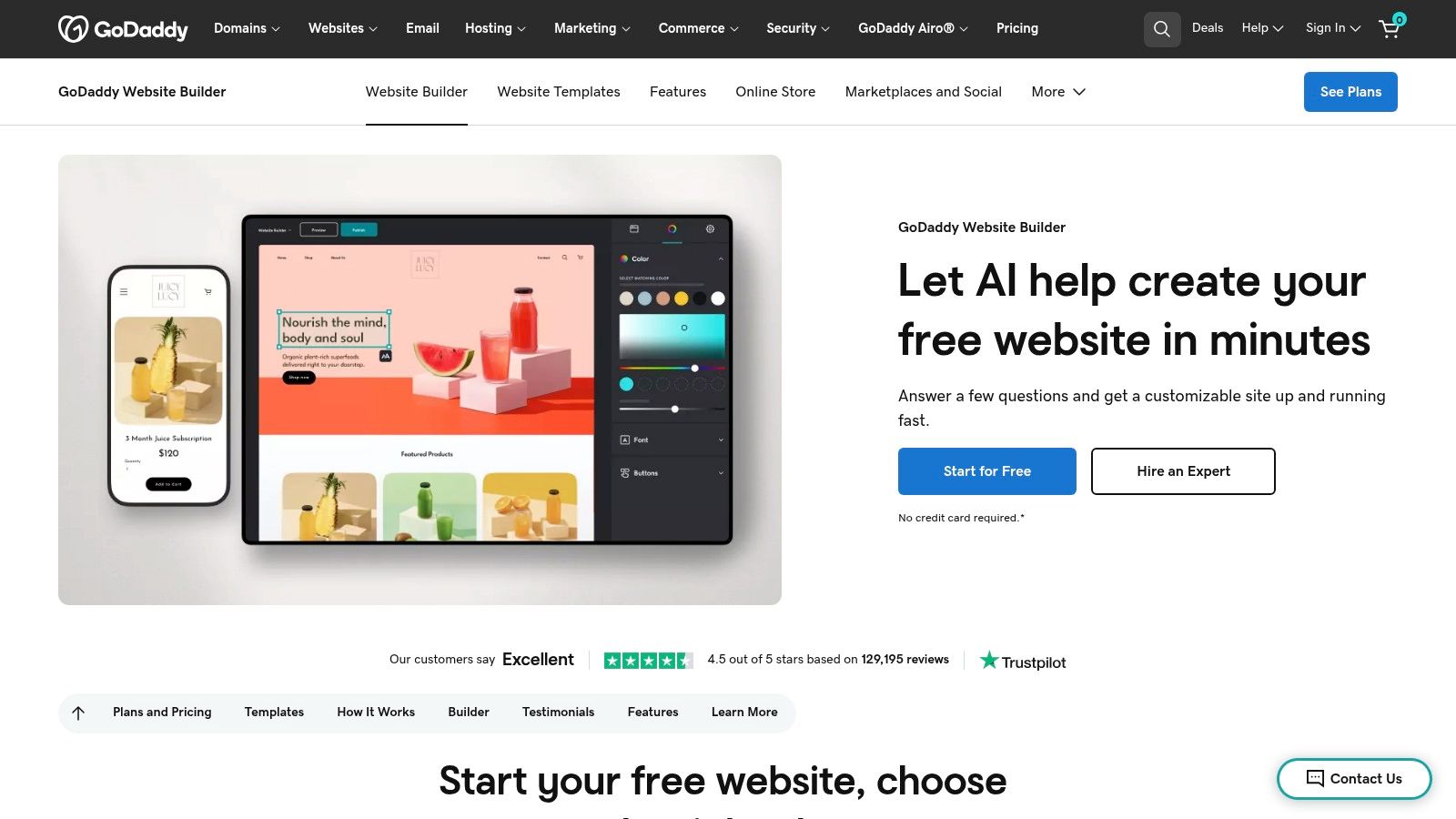
The platform’s true value lies in its “+ Marketing” component. It bundles essential tools directly into the dashboard. This includes an email marketing system. It also has a social media post creator and an online appointment scheduler. This all-in-one model helps streamline operations. It is for business owners who want to manage everything from one hub.
For those selling products, GoDaddy also provides tools. You can list inventory on major marketplaces like Amazon and Etsy. This extends reach beyond the primary website. The focus is on providing a complete, low-maintenance solution.
GoDaddy Websites + Marketing: Key Considerations
- Best For: Service professionals and solopreneurs who need a simple website with built-in marketing and appointment tools.
- Pricing: Plans start with a free limited version. Paid plans begin around $10.99/month, with ecommerce functionality available on higher-tier plans starting at approximately $20.99/month.
- Pros: Extremely fast and easy setup process, integrated marketing suite (email, social), and built-in appointment booking functionality.
- Cons: Limited design customization and fewer third-party app integrations compared to more flexible builders. Promotional pricing can be confusing, with renewal rates often being higher.
Website: https://www.godaddy.com/websites/website-builder
7. Webflow
Webflow is one of the best website builders for small business owners. It is also for freelancers and design agencies. They require complete creative control without writing code. It bridges the gap between simple builders and custom-coded websites.
It offers a visual canvas that directly manipulates HTML, CSS, and JavaScript. This approach provides pixel-level precision. It allows for sophisticated animations and interactions. This is ideal for brands that want a unique, high-performance digital presence. Webflow also includes a powerful content management system (CMS). It is perfect for managing blogs, portfolios, or directories.
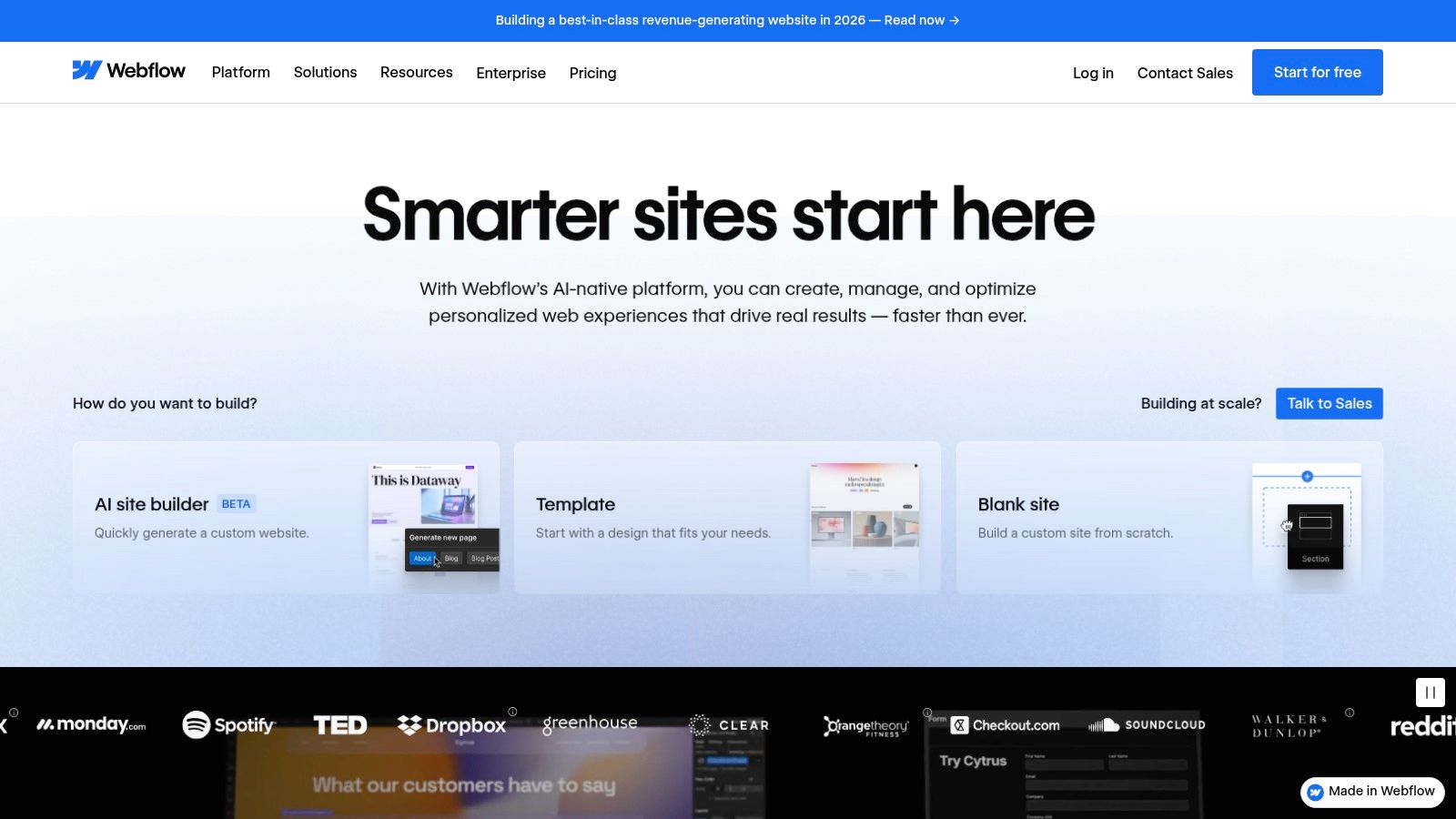
The platform is engineered for performance. It produces clean, production-ready code. This translates to faster load times and better SEO outcomes. For businesses planning to grow, Webflow scales exceptionally well. This is especially true for content-heavy marketing sites.
It also offers ecommerce functionality. It has integrations like Stripe and PayPal. This allows businesses to build a custom online store. While its feature set is more advanced, learning it pays off. You get a truly bespoke website that stands out from competitors.
Webflow: Key Considerations
- Best For: Designers, agencies, and tech-savvy small businesses that need custom design and high performance without manual coding.
- Pricing: Site plans begin with a free staging version. Paid plans start around $14/month for basic sites and $29/month for CMS sites. Ecommerce plans start at approximately $29/month.
- Pros: Unparalleled design flexibility and control, generates clean and efficient code for better performance, and features a powerful, integrated CMS.
- Cons: Has a much steeper learning curve than simpler builders like Wix or Squarespace. Ecommerce plans can become more expensive than some dedicated platforms.
Website: https://webflow.com
8. Hostinger Website Builder (formerly Zyro)
Hostinger Website Builder is one of the best website builders for small business owners on a budget. It is an excellent choice for entrepreneurs. It is for those who prioritize speed and affordability. Hostinger bundles its intuitive website builder with its hosting services.
This creates a high-value, all-in-one package. Its suite of AI-powered tools is a major differentiator. These tools can generate a website from a text prompt. They can also create SEO-friendly copy and design a logo. They can even predict user engagement with an AI Heatmap. This is ideal for solopreneurs and side hustlers. They want to launch quickly with minimal effort.
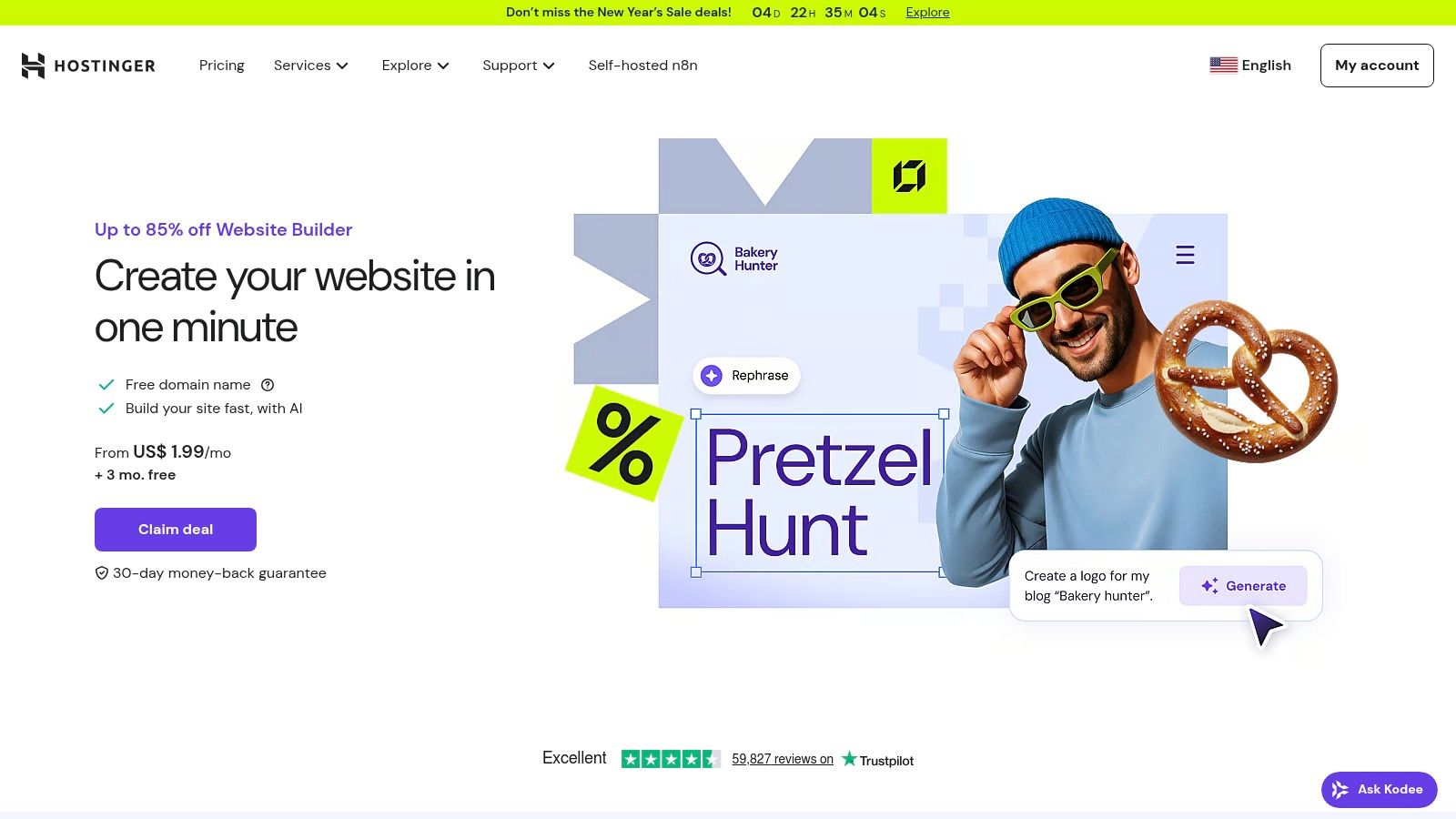
The platform offers a clean drag-and-drop editor. It uses a grid-based system. This provides structure while still allowing for significant customization. It ensures a professional-looking site without misaligned elements. For small businesses entering ecommerce, Hostinger provides essential features. This includes inventory management and support for multiple payment gateways.
It does this without charging any transaction fees on its business tier. This straightforward approach allows new business owners to get online fast. They can start selling without complexity or high initial costs. This makes it a smart choice for a first business website.
Hostinger Website Builder: Key Considerations
- Best For: Budget-conscious small businesses, side hustlers, and beginners who want AI-powered tools to accelerate the website creation process.
- Pricing: A single premium plan is often available for an introductory price of around $2.99/month, which includes hosting and a free domain for the first year.
- Pros: Extremely affordable introductory pricing, strong AI toolset (AI Writer, Logo Maker, Heatmap), and solid performance due to integration with Hostinger’s hosting infrastructure.
- Cons: Renewal prices are significantly higher than the promotional rates. The platform offers fewer third-party integrations compared to more established builders like Wix or Shopify.
Website: https://www.hostinger.com/website-builder
9. BigCommerce
BigCommerce is one of the best website builders for small business owners. It is for those serious about scaling their ecommerce operations. It’s a powerful, dedicated commerce platform designed for growth. It offers robust features without imposing its own transaction fees.
This is a significant advantage for businesses with higher sales volume. The platform is suited for merchants who sell across multiple channels. This includes their own storefront and social media platforms. It also includes online marketplaces like Amazon or eBay.
Unlike simpler all-in-one builders, BigCommerce focuses on native ecommerce functionality. It includes unlimited product listings and file storage. It also has unlimited bandwidth across all plans. In addition, it has powerful built-in tools for managing coupons and discounts. It has a steeper learning curve than drag-and-drop editors. But its structured approach provides a stable foundation for a growing online store. This makes it an ideal choice for ambitious entrepreneurs. They anticipate rapid growth and need a platform that can evolve with them.
BigCommerce: Key Considerations
- Best For: Growing ecommerce businesses and retailers who need powerful multi-channel sales capabilities and want to avoid platform transaction fees.
- Pricing: Plans start at approximately $29/month, with tiers based on your annual online sales volume.
- Pros: Strong native ecommerce features for multi-channel selling, no platform transaction fees, and 24/7 live support.
- Cons: Annual revenue caps on each plan can force you into a more expensive upgrade. The interface is more complex than simpler builders.
Website: https://www.bigcommerce.com
10. Duda
Duda is among the best website builders for small business owners in an agency ecosystem. It is also for freelancers building sites for clients. It excels with professional-grade tools designed for speed and scale. The platform features a structured, section-based editor.
It ensures every site is fully responsive. It looks great on any device without manual adjustments. This approach streamlines the design process. It makes it incredibly efficient to produce high-quality, consistent websites. It’s an ideal solution for web professionals managing multiple client projects. They require robust workflow and collaboration tools.
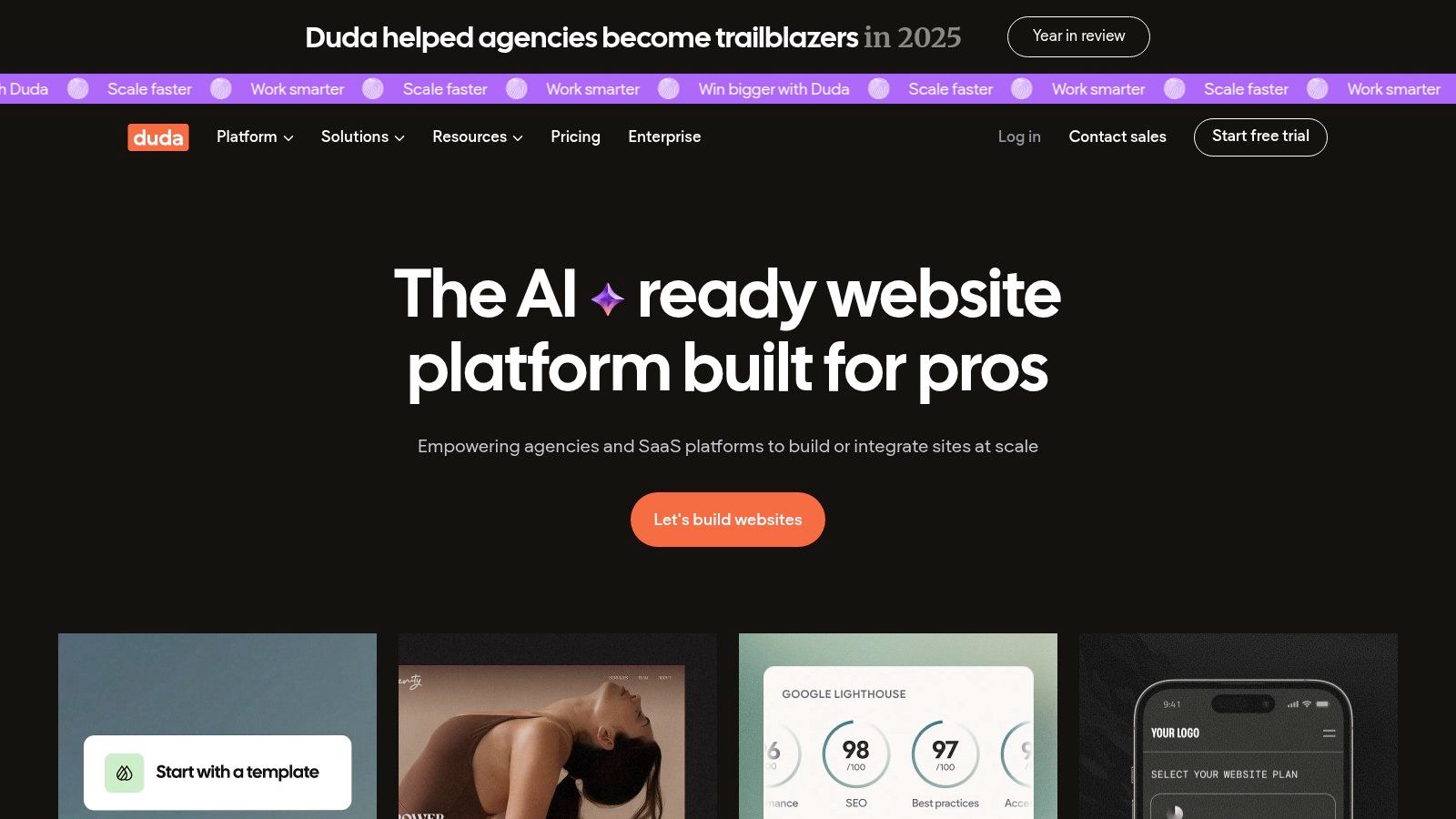
What sets Duda apart are its client management and white-labeling capabilities. Agencies can brand the entire platform as their own. This offers a seamless experience to their clients. The platform includes tools for setting user permissions. You can also collect client feedback directly on the website draft. You can manage all sites from a central dashboard. Duda guarantees top-tier performance and security. It is built on powerful AWS hosting with a CDN included. This is a critical selling point for businesses. While it offers fewer templates than some competitors, each is professionally crafted.
Duda: Key Considerations
- Best For: Web design agencies, freelancers, and businesses that need to manage multiple websites for clients efficiently.
- Pricing: Plans are team-oriented, starting around $25/month for one website. Agency plans with white-labeling start at approximately $52/month.
- Pros: Excellent client management and collaboration tools, strong performance with AWS hosting, and powerful white-label branding options.
- Cons: No permanent free plan is available. Ecommerce functionality is sold as a separate, paid add-on, which increases the overall cost.
Website: https://www.duda.co
11. G2 Website Builder Category (comparison marketplace)
Consulting a marketplace like G2 is a wise move. Do this before committing to one of the best website builders for small business. G2 is not a builder itself. It is a crowdsourced software directory and provides social proof and real-world user feedback.
It compiles verified user reviews, ratings, and feature comparisons. This allows you to see how platforms perform in practice. It goes beyond marketing materials. This vendor-agnostic approach helps you filter options. You can filter by business size, industry, or required features.
G2’s platform is useful for validating your shortlist. You can analyze user satisfaction scores across key areas. These include “Ease of Use” and “Quality of Support.” This insight helps you understand the practical experience of using a tool.
You learn this before you invest time and money. The platform offers immense value in its aggregated data. But remember that some vendors have sponsored placements. Always cross-reference top-rated options with buyer’s guides. Also check the most recent user reviews. This will give you a comprehensive picture.
G2 Website Builder Category: Key Considerations
- Best For: Entrepreneurs and business owners in the final stages of decision-making, who want to validate their choices with unbiased, real-user reviews and data.
- Pricing: Free to browse and use all comparison features and read reviews.
- Pros: Provides a broad, vendor-agnostic view with thousands of verified reviews. Powerful filtering helps you shortlist builders by use case and specific features.
- Cons: May contain sponsored placements that can influence visibility. Pricing information can sometimes lag behind the latest vendor promotions or changes.
Website: https://www.g2.com/categories/website-builder
12. Capterra Website Builder Category
Capterra’s directory of the best website builders for small business is a vital research hub. It is not a builder itself. It offers a comprehensive marketplace to compare software. You can compare based on verified user reviews and detailed feature sets.
It provides social proof and objective data. This allows entrepreneurs to look beyond marketing claims. You can see how platforms perform in real-world scenarios. A small business owner can filter options based on specific needs. This includes ecommerce functionality or booking tools.
The platform excels at organizing a complex market into a digestible format. You can sort tools by user rating or number of reviews. Capterra’s user-submitted feedback often highlights practical pros and cons. This is invaluable during the decision-making process. This comparative approach ensures you find the right website builder. It will be the right one for your unique business goals and operational needs. This saves time and prevents costly mismatches down the line.
Capterra: Key Considerations
- Best For: Entrepreneurs in the research phase who want to compare multiple website builders using verified user reviews and granular feature filters.
- Pricing: Free to use for research. Pricing for individual website builders must be verified on the vendors’ official sites.
- Pros: Extensive directory with both major and niche platforms, verified user reviews offer authentic insights, and powerful filtering tools for SMB-specific requirements.
- Cons: Sponsored listings are prioritized at the top of search results. Pricing information can be outdated and requires double-checking.
Website: https://www.capterra.com/website-builder-software/
Top 12 Small-Business Website Builders Comparison
| Product | Target audience | Key features | Ease of use (UX) | Price & value | Unique selling point (USP) |
|---|---|---|---|---|---|
| Wix | Beginners, side-hustlers scaling to small business | Drag-and-drop + AI site generator, 900+ templates, ecommerce, bookings, App Market | Very easy, fast launch | Low-to-mid; frequent first-term promos, higher renewal tiers | Broad native business tools with beginner-friendly UX |
| Squarespace | Creators, consultants, local businesses valuing design | Modern templates, Fluid Engine, ecommerce, email campaigns, analytics | Easy, design-first workflow | Mid pricing; fewer promos, commerce fees on lower tiers | Best-in-class design and typography |
| Shopify | Product-based side hustles & SMB retailers | Store editor, built-in checkout/payments, inventory, POS, app ecosystem | Easy for stores; strong ecommerce flows | Mid-to-high; apps/add-ons add cost; gateway fees unless Shopify Payments | Industry-leading ecommerce operations & scalability |
| Square Online (Square/Weebly) | Local sellers operating in-person + online (food, retail, pop-ups) | Free starter plan, POS sync, pickup/delivery, menus, tipping | Very easy, simple flows for in-person sellers | Free-to-start; paid plans for domain/features | Seamless in-person + online payment and POS integration |
| WordPress.com (hosted) | Bloggers, content-heavy sites, SEO-focused businesses | Block editor, themes, plugin support (Business+), hosting/CDN/SSL | Moderate learning curve vs builders | Free-to-mid; best features require Business+ | Most extensible path with strong SEO and portability |
| GoDaddy Websites + Marketing | Service solopreneurs wanting simple setup + marketing | Guided editor, social/email marketing, appointments, basic SEO | Very quick to publish, low maintenance | Low-to-mid; promo/renewal complexity | All-in-one marketing basics with minimal setup |
| Webflow | Freelancers, designers, SMBs needing custom, high-performance sites | Pixel-level design, CMS, animations, secure hosting | Steeper learning curve, designer-focused | Mid-to-high; ecommerce plans pricier | Designer-grade control with production-ready output |
| Hostinger Website Builder | Budget-minded side-hustlers, first-time sites | AI site generator, AI copy/image tools, templates, ecommerce on business tier | Very easy, AI-assisted quick publishing | Very low first-term pricing; renewal increases | Strong value + AI tools for fast site creation |
| BigCommerce | Higher-volume ecommerce sellers | No platform transaction fees, unlimited products, multi-channel, reporting | Moderate complexity for advanced features | Mid-to-high; revenue-based plan tiers | Native ecommerce feature set for scaling merchants |
| Duda | Agencies, freelancers building client sites | Responsive editor, client management, white-label, AWS hosting | Efficient for multi-site production | Mid pricing; no permanent free plan | Agency workflow, white-labeling and client tools |
| G2 Website Builder Category | Buyers researching builders and shortlisting tools | Category rankings, verified reviews, filters, side-by-side comps | Easy to use for research | Free to use | Vendor-agnostic verified reviews and up-to-date rankings |
| Capterra Website Builder Category | SMB buyers comparing features and prices | Verified reviews, feature filters, buyer guides, cost overviews | Easy; good for filtering SMB needs | Free to use | Wide coverage and clear SMB-focused filtering |
Conclusion
Choosing from the best website builders for small business is a foundational step. It helps establish your digital presence. The right platform is more than just a website. It becomes your virtual storefront and your marketing hub. It is a direct line to your customers.
The ideal choice depends on your unique business goals. It also depends on your technical comfort level and budget. There is no single “best” platform. There is only the one that is best for you.
This comprehensive guide has walked you through the top contenders. We covered all-in-one powerhouses like Wix and Squarespace. We also included e-commerce giants like Shopify and BigCommerce. We’ve seen how platforms like WordPress.com offer unparalleled flexibility. Builders like GoDaddy and Hostinger prioritize speed and simplicity. Each tool presents a distinct trade-off. This is between ease of use, creative control, scalability, and cost.
Key Takeaways for Your Decision
Before you make a final commitment, let’s distill our findings. Reflecting on these points will help you move from analysis to action.
- Define Your Primary Goal: Is your main objective to sell products online? Shopify or Square Online should be at the top of your list. Are you a service-based business that needs appointment booking? Wix or Squarespace offer superior built-in tools. For content creators and bloggers, WordPress.com remains a powerful option.
- Balance Ease of Use with Future Needs: An easy-to-use editor is perfect for getting started quickly. However, consider your five-year plan. Will you need advanced SEO controls or complex integrations? Platforms like Webflow have a steeper learning curve. But they provide more long-term design freedom and power.
- Budget Beyond the Monthly Fee: Look closely at the pricing tiers. A low introductory price might hide higher transaction fees. It could also hide costs for essential apps or price hikes upon renewal. Calculate the total cost of ownership. Include any plugins or third-party services you’ll need.
- Test Before You Invest: Nearly every builder on our list offers a free trial or a free plan. Use this opportunity to your advantage. Test the editor and browse the templates. Get a feel for the user interface. This hands-on experience is invaluable. It will prevent you from committing to a platform that doesn’t feel right.
Your Actionable Next Steps
Now, it’s time to make your choice and start building. Follow this simple checklist to ensure a smooth launch.
- Revisit Your Top 2-3 Choices: Based on our reviews, narrow your list down. Choose the builders that align most with your business type.
- Start a Free Trial: Sign up for free trials for your top contenders. Spend at least an hour on each platform. Attempt to build a simple homepage. This test will reveal which interface you find most intuitive.
- Map Out Your Core Pages: Before you start building, outline the essential pages you need. This includes Homepage, About Us, Services/Products, and Contact.
- Secure Your Domain Name: Many builders offer a free domain for the first year. It’s often wise to purchase your domain from a separate registrar. This gives you greater control and flexibility.
- Commit and Build: Once you’ve chosen your platform, commit to it. Follow their tutorials and select a template. Begin adding your content.
Finding the best website builders for small business is about empowering your venture. For businesses in Australia, a resource on the best website builder for small business Australia can offer tailored insights. Remember that your website is a living asset. It will evolve as your business grows. The key is to start with a solid foundation. It should support your vision today and scale with you tomorrow.
Once your website is live, the next step is mastering strategies to attract visitors. For deep dives into digital marketing, SEO, and online business growth, explore the resources at Internet of Business. We provide the actionable knowledge you need to turn your new website into a powerful engine for your small business.
Back to How to Make an Online Business
Are you looking for better ways and tools to build your monthly revenue and brand? Be sure to check out our other resources located here to speed up the process.
Nathan
Dr. Nathan Pennington, DBA, earned his Doctor of Business Administration degree from the University of Missouri-St. Louis and brings over 15 years of online entrepreneurial experience in helping people learn how to blog, earn income online and build passive income streams outside of what the school system teaches.